B
Loading...
The same path your team already runs in the product: vacancy, listing, application, lease, rent.
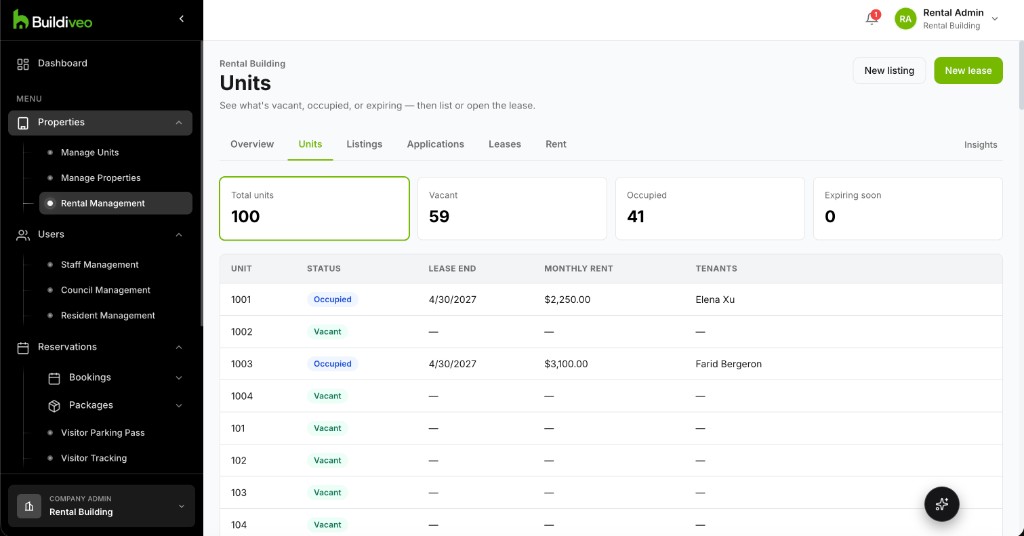
Open a property and see what is vacant, occupied, or coming up for renewal, then list it or open the lease.
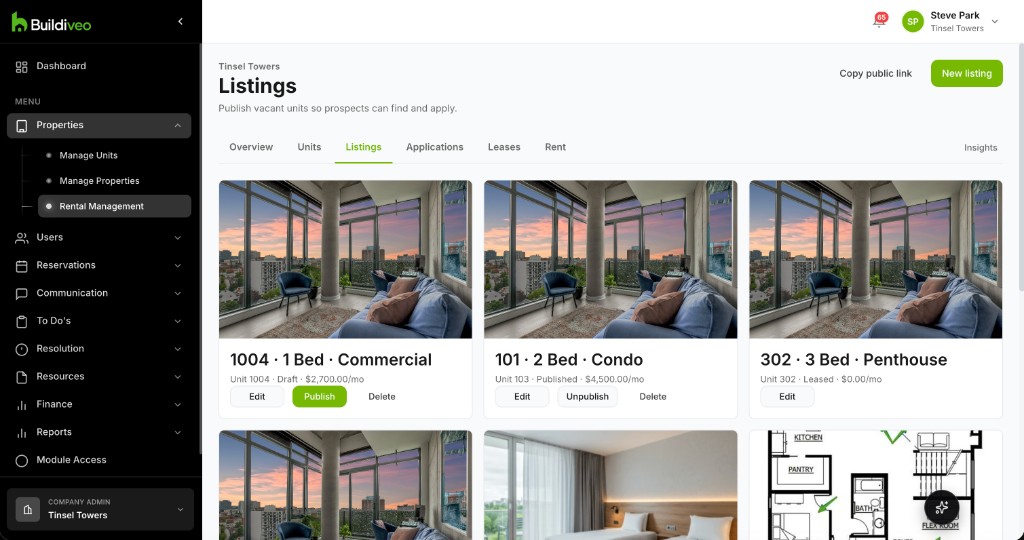
Turn a vacant unit into a listing prospects can browse and apply to, with a public page and a syndication feed.
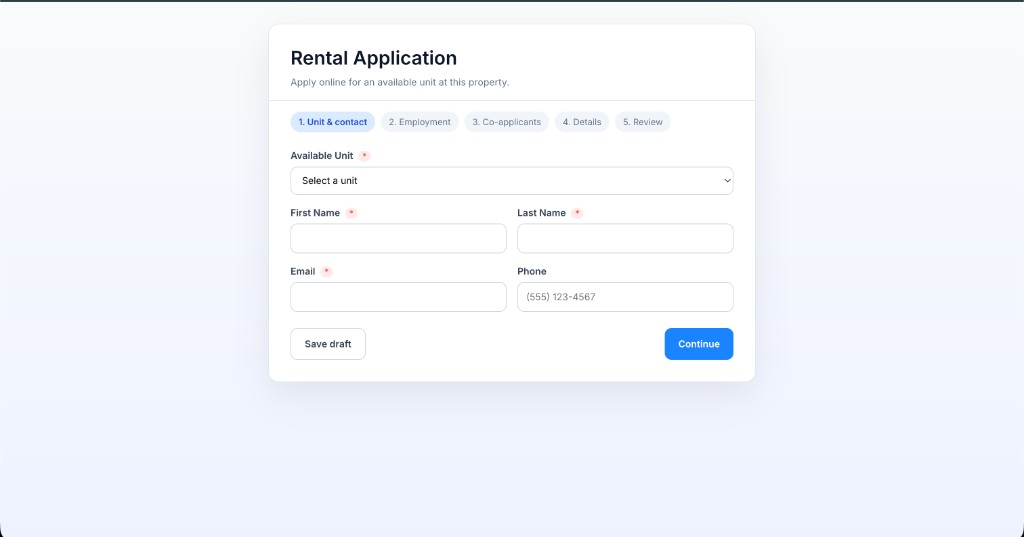
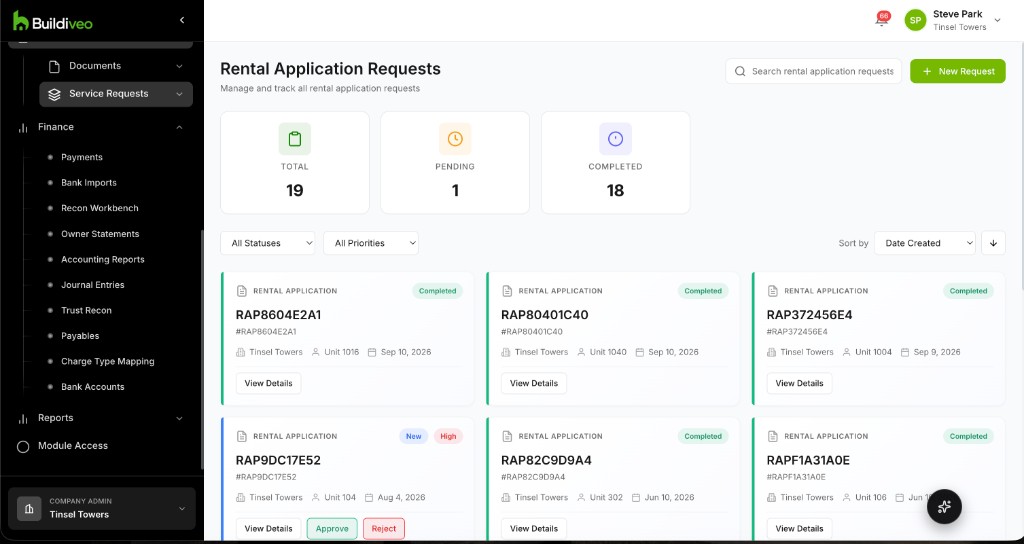
Prospects apply from the listing. Staff review the file, collect an application fee, and approve or decline.
Invite applicants to screening, or start it automatically when they submit. Decisions and adverse-action notices stay on the application.
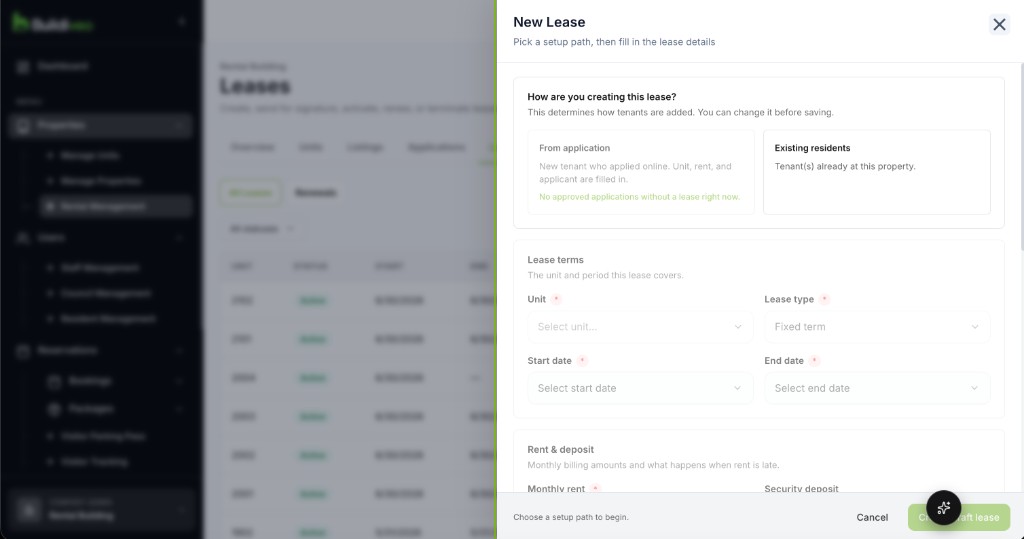
Build the lease from a template, send it for signature, then activate, amend, renew, or end it when the tenancy changes.
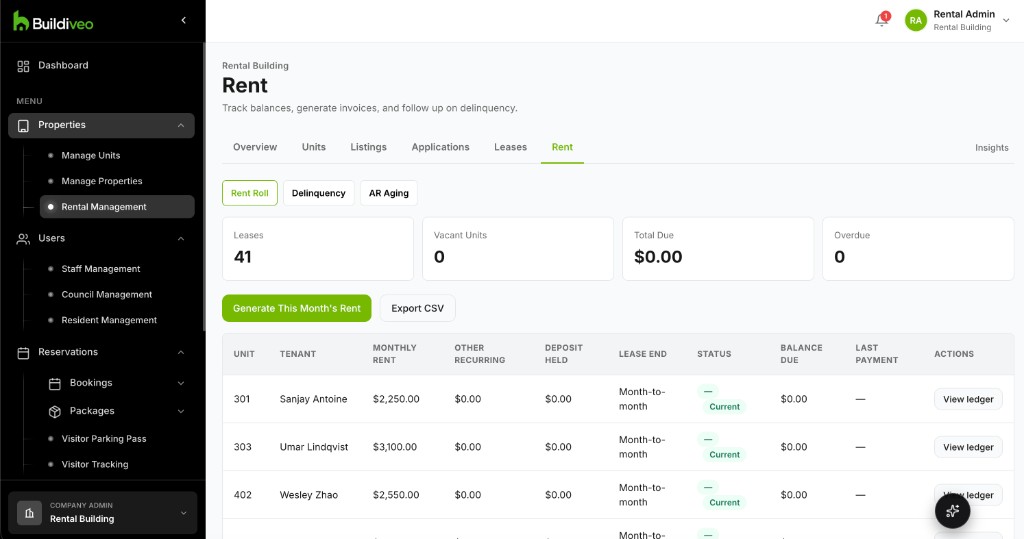
Generate rent invoices, let tenants pay by card or autopay, and see who is behind — including deposits and late fees.
A vacant unit becomes a listing. The listing takes an application. Screening and a signed lease sit on that file. Rent invoices, autopay, and owner statements follow the lease.
See the rental workspace: listings, applications, leases, and rent, with a tenant page for their lease and payments.